
Workshop log · Bookbinding
Folio Maniac: A Signature-Folding Tool for Hand Bookbinders (Beta)
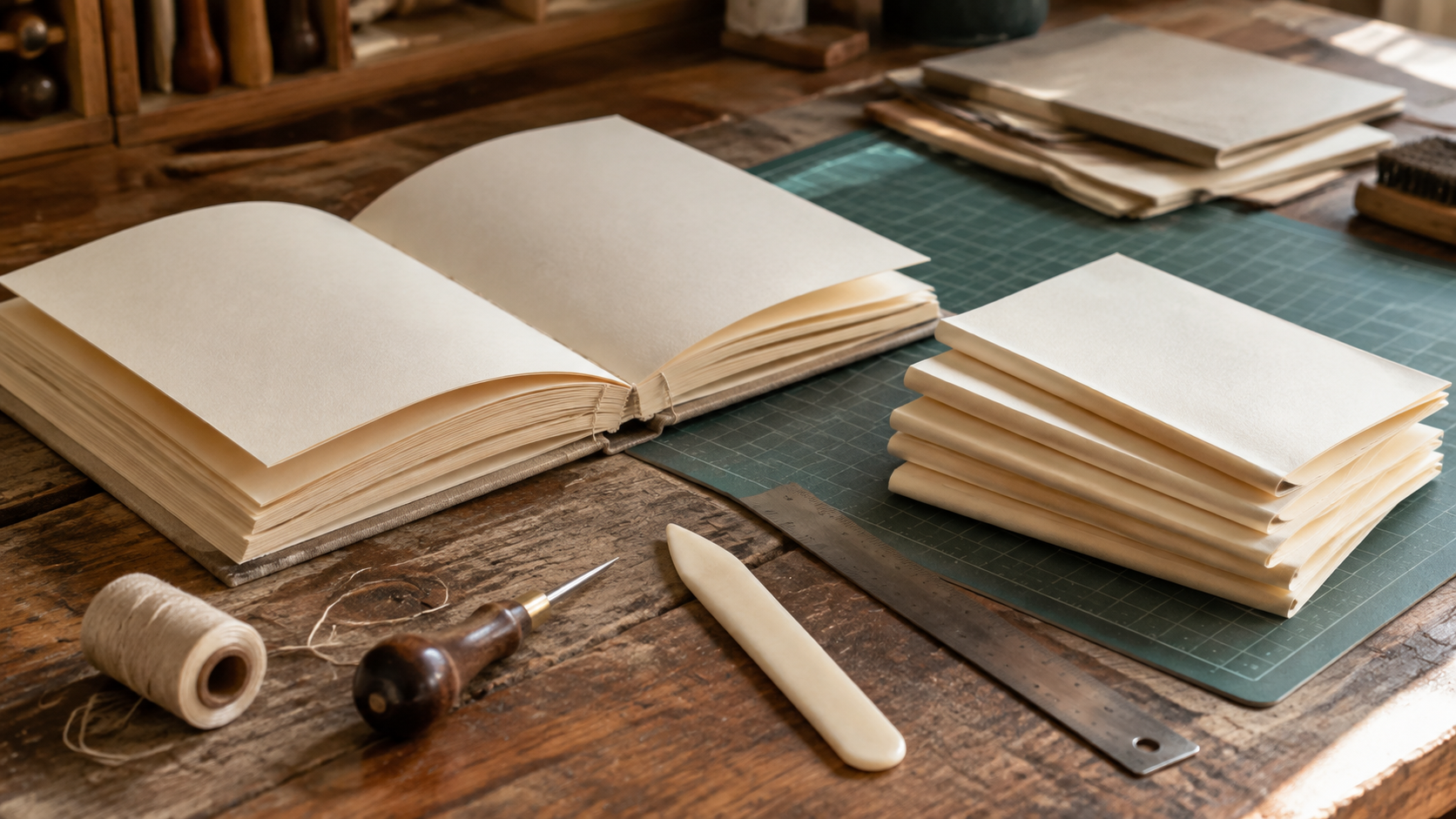
Every bookbinding project starts with the same annoying arithmetic. How many sheets make a signature. How much padding to add so the page count actually folds evenly. How thick the block will be once it’s sewn, so the cover doesn’t come up short.
My spreadsheet version (here: https://craftymaniac.com/bookbinding-signature-estimator/ ) worked but was very limiting. So I built Folio Maniac: plan the signatures, estimate the spine, generate the imposed PDF, all in the browser.
It’s live at folio.craftymaniac.com . It’s also a beta. An early, working version I’m still testing on my own projects, not a finished product. I’m putting it out now because it’s already useful to me, and because the fastest way to find the rough edges is to let real books run through it.
What it actually does
Folio Maniac walks through three steps, and it doesn’t let you skip ahead until the step behind it makes sense:
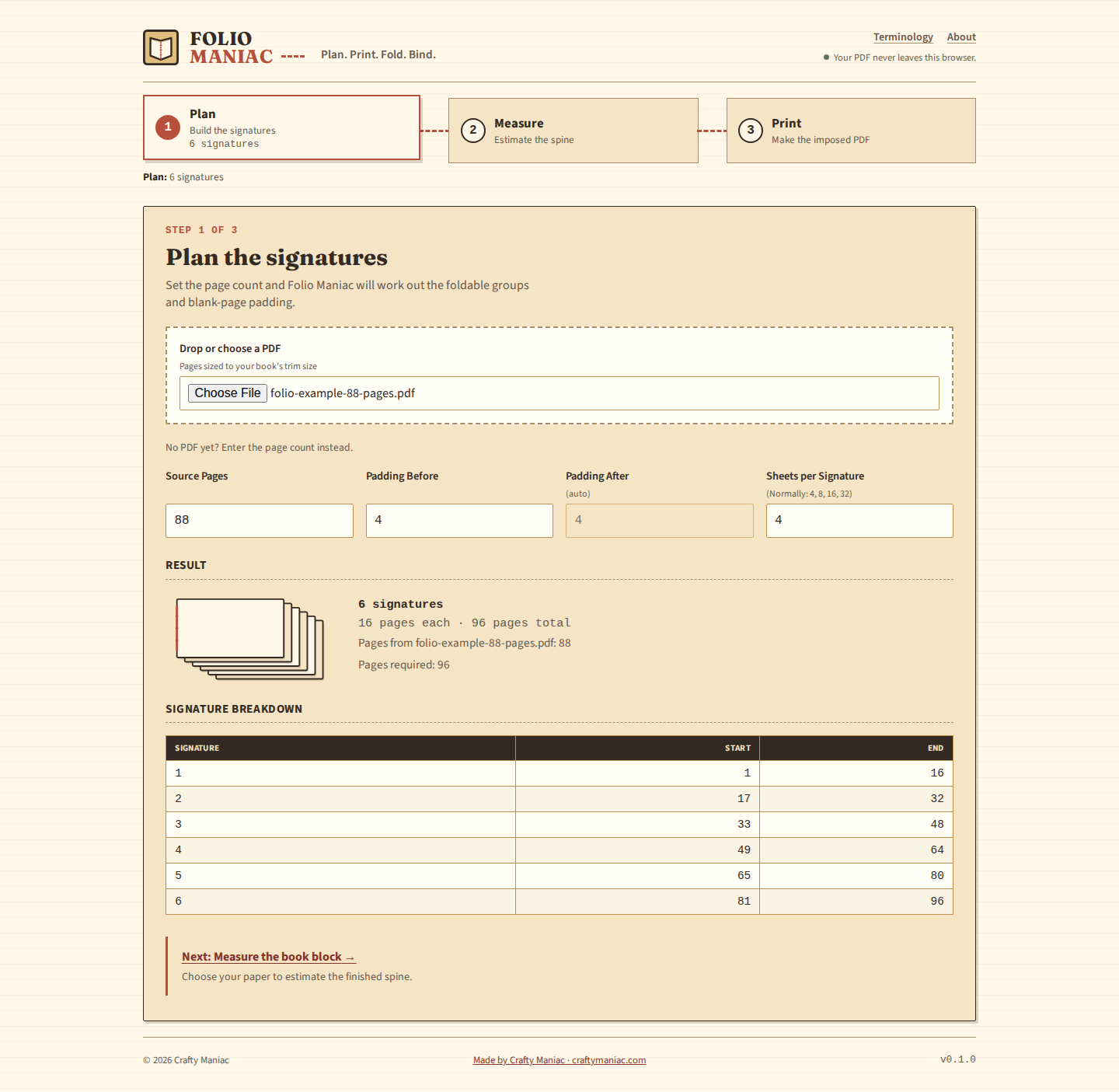
- Plan. Give it a page count, or drop in your source PDF, and set how many sheets go in a signature (4, 8, 16, the usual suspects). It works out the number of signatures, adds blank padding where the count doesn’t divide evenly, and shows you exactly which source pages land in which signature.
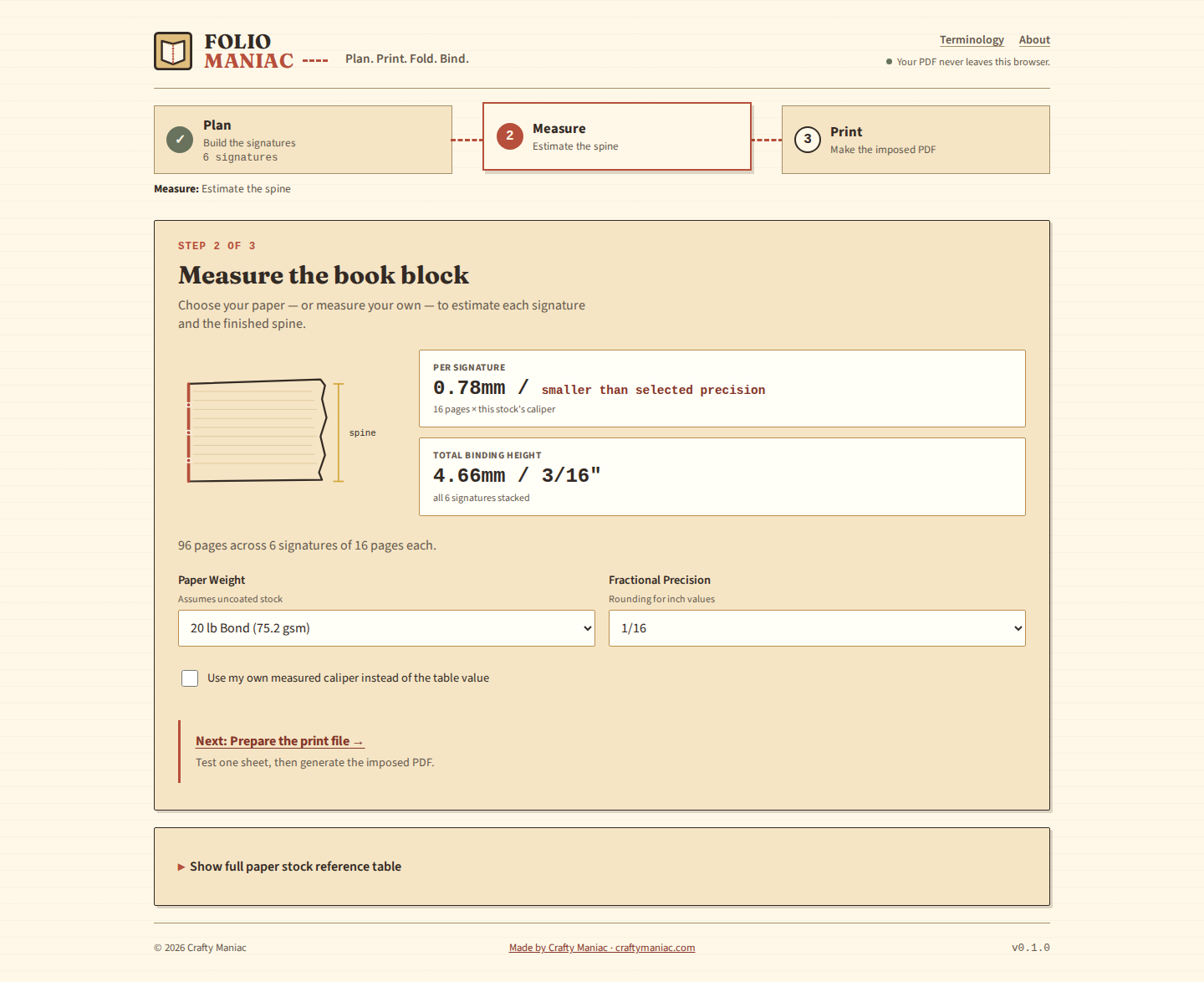
- Measure. Pick a paper and it estimates the finished spine width, so you’re not guessing at cover dimensions before you’ve cut anything.
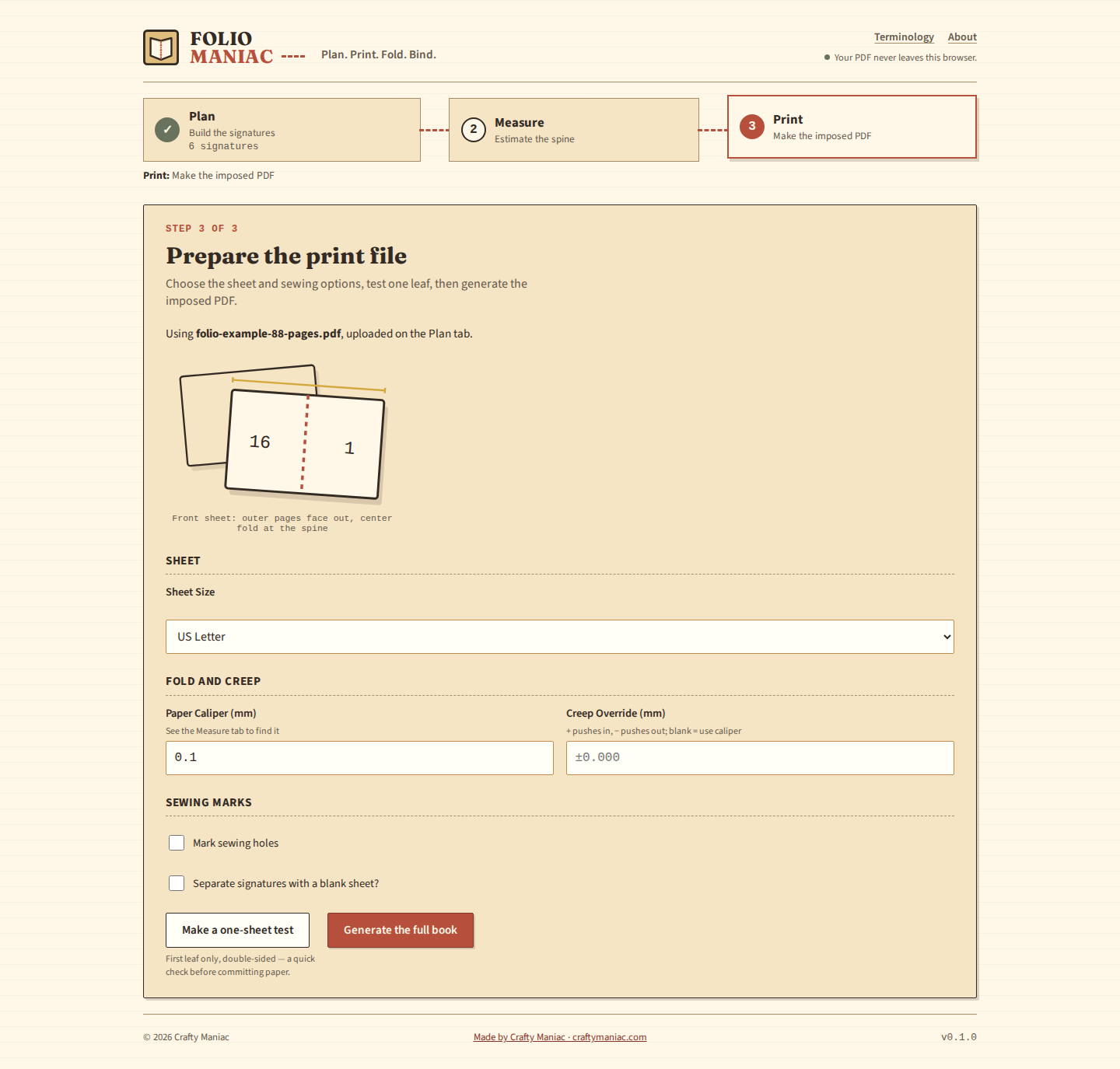
- Print. Once the plan and the paper are set, it builds the imposed, print-ready PDF. The pages come out arranged in the order your printer actually needs them so the sheet folds correctly.
None of that is exotic. A binder with a spreadsheet and a calculator can do all of it by hand. The point of Folio Maniac is that it does it in about the time it takes to read this sentence, and it doesn’t forget to carry the one.
Plan the signatures
Measure the book block
Prepare the print file
Your PDF stays yours
The whole thing runs client-side. Your file never leaves the browser tab. No upload, no account, no server sitting in the middle deciding what happens to your manuscript. That was a non-negotiable for me before I’d trust it with my own projects, so it’s a non-negotiable for anyone else using it too.
Why “beta”
I want to be upfront about where this actually stands: it works, and it’s still rough. I’ve run real page counts and real papers through it and gotten signatures and PDFs I could fold and sew. I have not run every paper stock, every trim size, or every weird page count someone will inevitably throw at it. The spine estimate is an estimate, not a guarantee. Measure your own paper before you commit a cover to it. The imposition logic is the part I trust least right now, simply because it’s had the fewest books tested against it.
If something looks wrong (a signature that doesn’t add up, a spine that’s clearly off, a PDF that comes out of order), that’s exactly the kind of thing I need to hear about before I’d call this finished. Treat the output as a strong first draft of your printer file, and check it against a single test sheet before you commit a whole ream to it.
What’s next
Short term, I’m watching how it holds up against odd page counts and less common paper weights, and cleaning up anywhere the terminology page and the actual tool disagree with each other. Longer term I’d like it to handle more binding styles and remember your last project without needing an account to do it.
For now: it’s free, it’s live, and it does the one thing I got tired of doing by hand. Go fold something.
Warning
Printers suck. Adobe sucks. Your printer needs to do double sided, short edge binding so that pages don’t end up upside down on the back side. Nothing looks right on the screen. The page order is almost impossible to visualize.
You have been warned :-)